
All categories
Featured selections
Trade Assurance
Buyer Central
Help Center
Get the app
Become a supplier
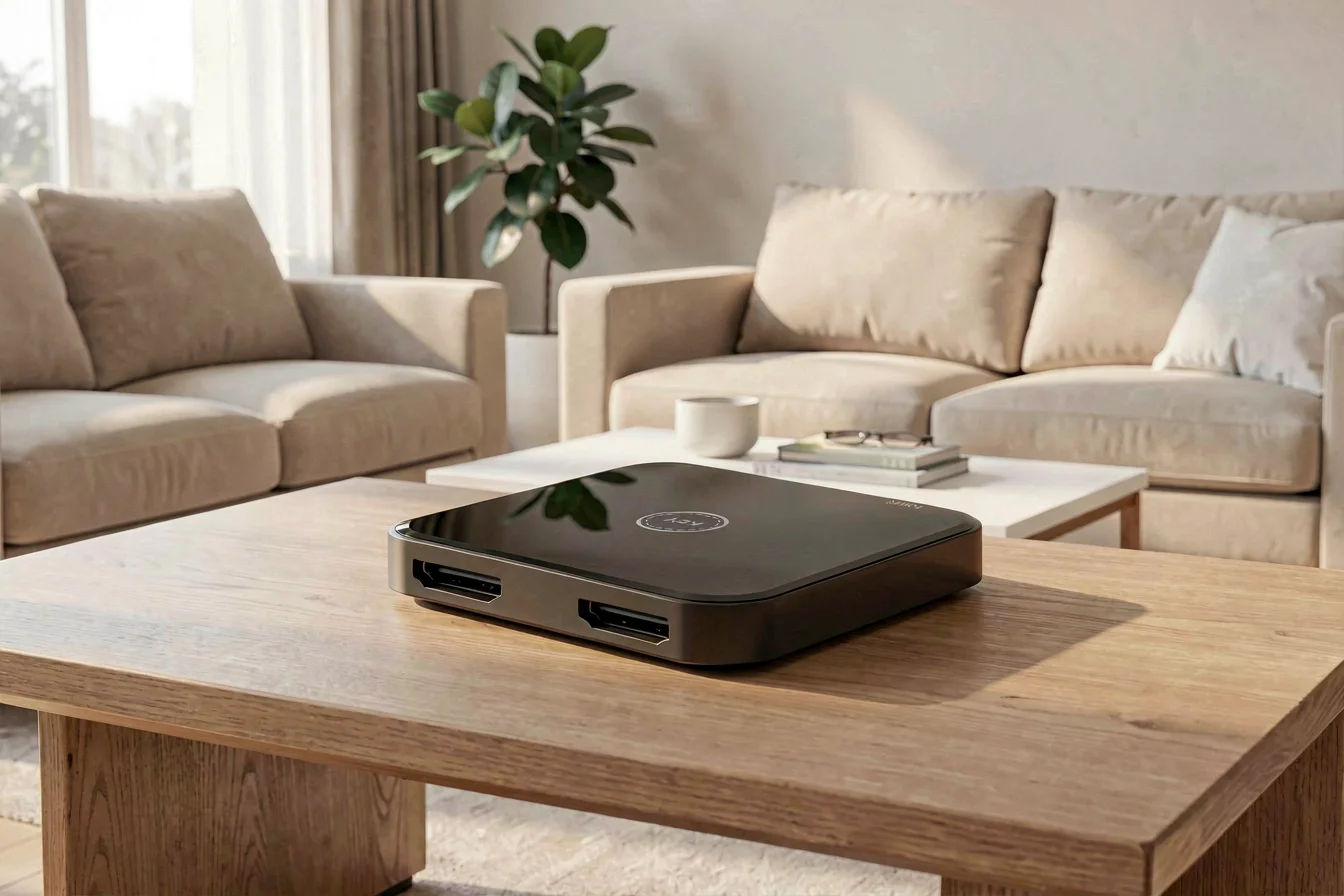
For buyers seeking seamless multi-device switching, HDMI switch delivers reliable, cable-free device management, while picture-in-picture (PIP) technology offers unparalleled multitasking and productivity. The market is shifting toward PIP monitors for simultaneous content viewing, but switches remain indispensable for managing limited HDMI ports. Your procurement decision should align with your primary use case—device switching or side-by-side screen management—while factoring in compatibility, technical specs, and evolving user demand[1][2][3].
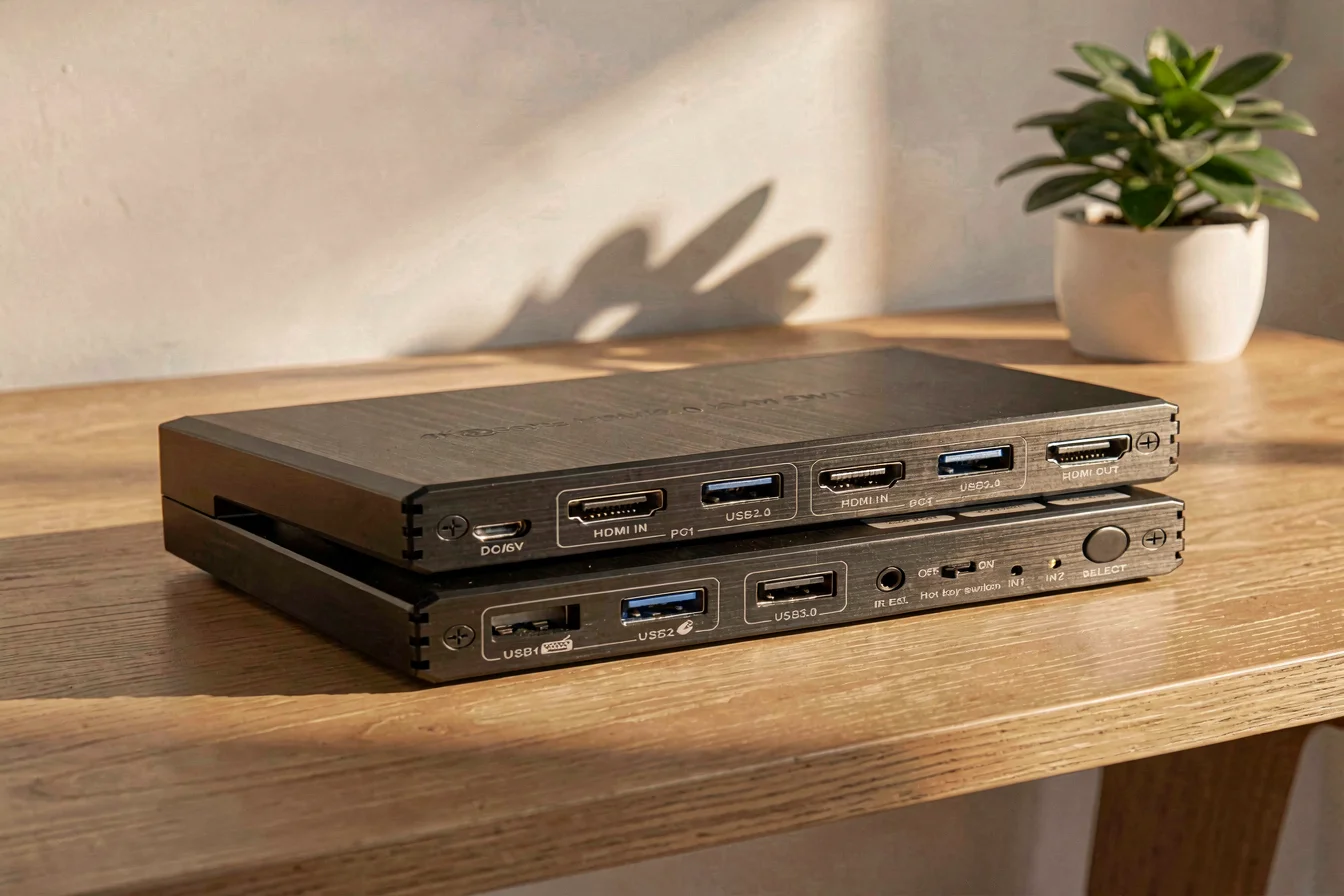
The core value of both HDMI switch and picture-in-picture (PIP) technology lies in simplifying complex video workflows—whether for home entertainment or professional AV setups. HDMI switch is designed for users with multiple devices (gaming consoles, streaming boxes, Blu-ray players) who need to switch between them without cable clutter. It excels in environments where port limitations are a recurring pain point and where seamless switching is required. In contrast, picture-in-picture (PIP) technology is ideal for users demanding simultaneous display of two video sources—such as watching a movie while browsing social media or working with side-by-side content. The urgency to choose the right solution is driven by the rapid proliferation of devices and the growing need for multitasking in both consumer and business contexts[2][3][4].
Technological advances have led to HDMI 2.1 switches supporting 4K@120Hz and HDR, while PIP monitors integrate advanced scaling and windowing features. However, switches require careful selection for compatibility and performance, especially for high-end gaming or professional AV. PIP technology, often built into monitors, eliminates the need for external hardware but is less flexible for switching between multiple sources. Limitations include PIP’s lack of full multitasking and HDMI switches’ potential signal loss or compatibility issues with certain devices[5][6][10].
| Feature | HDMI Switch | Picture-in-Picture (PIP) Technology |
|---|---|---|
| Primary Use Case | Device switching (multiple sources to one display) | Simultaneous display of two video sources |
| Port Limitations | Solves limited TV ports | Built-in monitor feature |
| Cable Management | Reduces cable clutter | No additional hardware needed |
| Technical Specs | HDMI 2.1, 4K@120Hz, HDR | Monitor-integrated PIP, scaling, windowing |
| Limitations | Potential signal loss, compatibility issues | Limited multitasking, device compatibility |
| Price Range | $30–$500 (consumer/professional) | Integrated into monitor ($200–$1000+) |
HDMI switches remain the go-to for device management, but PIP technology is rapidly gaining ground for productivity and multitasking applications.
Durability is a key concern for both HDMI switch and picture-in-picture (PIP) technology . HDMI switches, especially those built for professional use, offer robust build quality and long-term reliability, with many models supporting up to five years of continuous operation. However, cheaper switches may degrade over time, causing signal drops or compatibility issues. PIP technology, integrated into monitors, is typically durable as long as the monitor itself, but its functionality is limited to the features built into the display, meaning upgrades or replacements are only possible with new hardware.
In real-world applications, HDMI switches shine in home theater setups, gaming consoles, and professional AV environments where port limitations and cable management are recurring issues. PIP technology excels in productivity scenarios, such as video conferencing, content creation, and multitasking workflows. However, PIP’s value diminishes when managing more than two devices or requiring frequent switching, making HDMI switches more versatile for such use cases[2][3][5][10].
Long-term cost outlook reveals that HDMI switches incur initial purchase and potential replacement costs, while PIP monitors are a one-time investment with minimal ongoing maintenance. Hidden costs include compatibility issues, signal loss, and the need for periodic upgrades, especially as devices evolve to support higher refresh rates and HDR. Below is a 5-year cost comparison:
| Cost Factor | HDMI Switch | Picture-in-Picture (PIP) Technology |
|---|---|---|
| Initial Purchase | $30–$500 | Integrated into monitor ($200–$1000+) |
| Maintenance | Occasional replacement, $20–$100/year | Minimal, tied to monitor lifespan |
| Replacement Frequency | Every 3–5 years | Every 5–7 years |
| Hidden Costs | Compatibility, signal loss | Monitor upgrades, limited multitasking |
| Total 5-Year Cost | $150–$700 | $200–$1200 |
HDMI switches offer lower upfront costs and flexibility, while PIP monitors deliver long-term value for multitasking but require careful selection for compatibility.
The core value of HDMI switch and picture-in-picture (PIP) technology is their ability to simplify complex video workflows, making them indispensable in both home entertainment and professional environments. The urgency to choose the right solution is amplified by the rapid expansion of devices and the need for seamless multitasking, especially in multi-generational households and commercial AV setups.
HDMI switches dominate multi-device switching, while PIP technology excels in multitasking and productivity scenarios.
Google Trends data reveals a sharp rise in search interest for “Picture-in-Picture PIP Monitor,” peaking at 100 in February 2026, while “HDMI Switch” remains consistently low (peaking at 2)[1]. This indicates a growing demand for PIP technology, likely driven by home entertainment and productivity trends. However, purchasing behavior on Amazon and Alibaba.com shows that HDMI switches remain a staple for device management, especially among users with limited TV ports and high refresh rate needs[2][3][10].
Search Interest over Time
While PIP technology is trending upward in search interest, HDMI switches continue to dominate purchasing behavior for device switching solutions.
Reddit and TikTok discussions reveal distinct buyer personas and sentiment patterns. HDMI switches are praised for solving port limitations and cable clutter but criticized for compatibility issues and signal loss, especially at higher refresh rates. PIP technology is lauded for productivity and multitasking but faces complaints about limited device compatibility and lack of full multitasking capabilities. Below are two contrasting case studies:
Case Study 1: Home Theater Enthusiast (HDMI Switch)
A Reddit user with a PS5, Xbox, and Blu-ray player needed a high-quality HDMI switch to manage limited TV ports. They reported frustration with older switches (only supporting 1080p) and sought a model supporting 4K@120Hz. After purchasing a premium switch, they noted seamless device switching and improved cable management. However, they warned that compatibility and signal integrity can vary, with some models struggling with HDR and eARC[9][10].
“I need something ideally 4K 120hz/8k 60hz. Most of what I find on Amazon is just generic trash probably.”
“I personally use a 5 port switch from AVIDGRAM and that handles 4k 120hz without any problems.”
Case Study 2: Productivity User (PIP Technology)
A TikTok user integrated a PIP monitor into their workflow, enabling simultaneous display of video conferencing and content creation. They praised the monitor for eliminating the need for external hardware and providing a clutter-free workspace. However, they noted that PIP is limited to two sources and lacks full multitasking flexibility. They recommended PIP for productivity but warned that it’s not suitable for managing multiple devices.
“Picture-in-Picture is a game-changer for multitasking, but you can’t switch between three devices at once.”
“It’s great for home entertainment, but I wish it could handle more sources.”
| Dimension | HDMI Switch | Picture-in-Picture (PIP) Technology |
|---|---|---|
| Overall Satisfaction | High for device switching, moderate for compatibility | High for productivity, moderate for multitasking |
| Most Praised Feature | Cable-free switching, port management | Simultaneous display, clutter-free workspace |
| Most Common Complaint | Signal loss, compatibility issues | Limited multitasking, device compatibility |
| Community Recommendation Rate | 80% (for device switching) | 70% (for multitasking) |
HDMI switches are recommended for device switching, while PIP technology is favored for productivity but faces limitations in multitasking and compatibility.
Viral content themes include debates over signal integrity, compatibility with high-end devices, and the value of integrated PIP features. Cultural reception is positive for both solutions, but buyers are advised to carefully assess their needs and technical requirements before purchasing.
Before purchasing, buyers should ask themselves:
Tiered recommendations:
| Tier | Recommended Product | Key Reason |
|---|---|---|
| Budget-Friendly | HDMI Switch | Low upfront cost, solves port limitations |
| Mid-Range | HDMI Switch (4K@60Hz) | Balanced performance, moderate price |
| Premium | HDMI Switch (4K@120Hz/HDR) | High refresh rate, HDR compatibility |
| Productivity-Focused | Picture-in-Picture (PIP) Monitor | Integrated multitasking, clutter-free workspace |
| Entertainment-Focused | Picture-in-Picture (PIP) Monitor | Simultaneous content viewing, built-in features |
Optimization tips:
Buyers should align their purchase with their primary use case, technical requirements, and budget constraints for optimal results.
Key insights: HDMI switch remains the solution of choice for device switching and cable management, while picture-in-picture (PIP) technology is rapidly gaining popularity for productivity and multitasking. Market trends indicate that PIP monitors will continue to rise in search interest and adoption, driven by home entertainment and productivity needs. However, HDMI switches will remain essential for managing port limitations and high refresh rate requirements.
Forward-looking guidance: Buyers should monitor evolving device standards and compatibility requirements, with a focus on HDMI 2.1 and HDR support for switches, and advanced scaling and windowing features for PIP monitors. For the next 6–12 months, anticipate further innovation in both categories, with PIP technology likely to integrate more multitasking features and HDMI switches to support higher refresh rates and improved signal integrity.
Confidently choose the solution that best aligns with your workflow, and share your experiences to help shape future product innovations. Commercial buyers should leverage wholesale platforms like Alibaba.com for bulk sourcing and optimal pricing.