
All categories
Featured selections
Trade Assurance
Buyer Central
Help Center
Get the app
Become a supplier
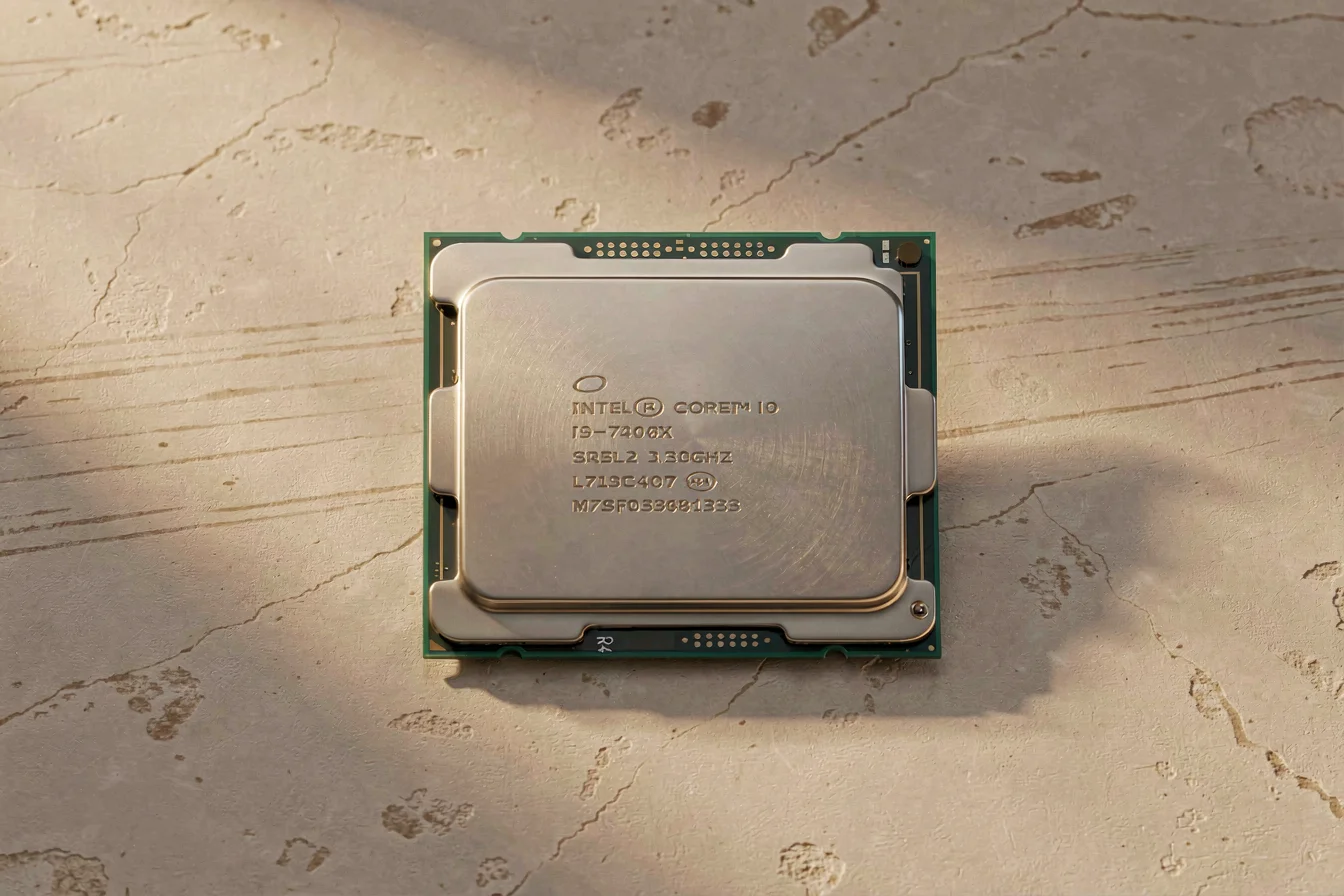
The intel core i7 960 CPU delivers consistently better performance than the intel core i7 950 CPU , with 5–7% higher single and multi-core scores, making it the more future-proof option for legacy desktop builds[2][3][4]. Both CPUs remain viable for older workloads and basic gaming, but buyers seeking value and performance should prioritize the 960, especially for systems requiring more robust multitasking or light gaming. Procurement logic favors the 960 for cost-effective upgrades, while the 950 is best reserved for minimal-cost retro builds or entry-level productivity.
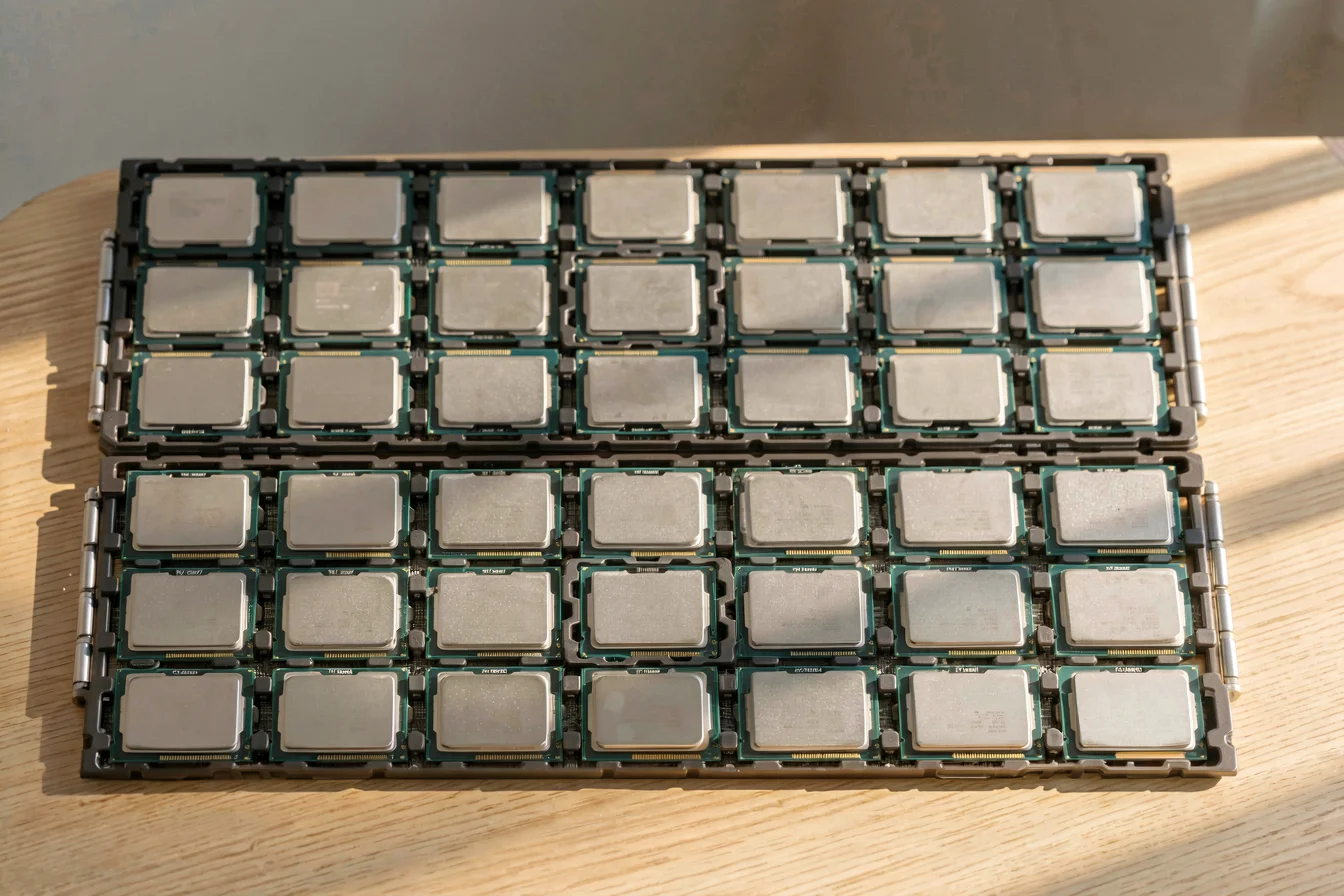
The intel core i7 960 CPU and intel core i7 950 CPU are both members of the first-generation Intel Core i7 900 series, launched in 2009, and share similar architectural features such as 4 cores, 8 threads, 45nm manufacturing, LGA1366 socket, and 130W TDP. The 960 was released later (Q4 2009) and boasts a 4% higher base clock (3.2GHz vs. 3.06GHz), a 5% higher turbo clock (3.46GHz vs. 3.33GHz), and consistently better benchmark scores[2][3][4]. These differences translate to a measurable performance edge for the 960 in both single-core and multi-core scenarios, making it a preferred choice for users seeking improved productivity and light gaming. The 950, while still functional, is best suited for budget builds or legacy systems where cost is the primary concern.
Key pain points addressed by the 960 include faster multitasking, improved gaming performance on older titles, and slightly better future-proofing for legacy software and OS upgrades. The 950, in contrast, is often selected for its lower price and compatibility with older motherboards, but suffers from slightly lower performance and limited upgrade potential. Technological innovations between the two are minimal, as both CPUs lack PCIe 3.0 and DDR4 support, making them incompatible with modern platforms.
| Feature | Intel Core i7 960 CPU | Intel Core i7 950 CPU |
|---|---|---|
| Base Clock | 3.2 GHz | 3.06 GHz |
| Turbo Clock | 3.46 GHz | 3.33 GHz |
| Single-Core Performance | ~7% higher | ~5% lower |
| Multi-Core Performance | ~6% higher | ~5% lower |
| Price (2025) | $119 | $31 |
| Socket | LGA1366 | LGA1366 |
| TDP | 130W | 130W |
| Process Technology | 45nm | 45nm |
The 960’s superior performance and slightly higher price make it the better choice for buyers seeking value and reliability in legacy desktop builds.
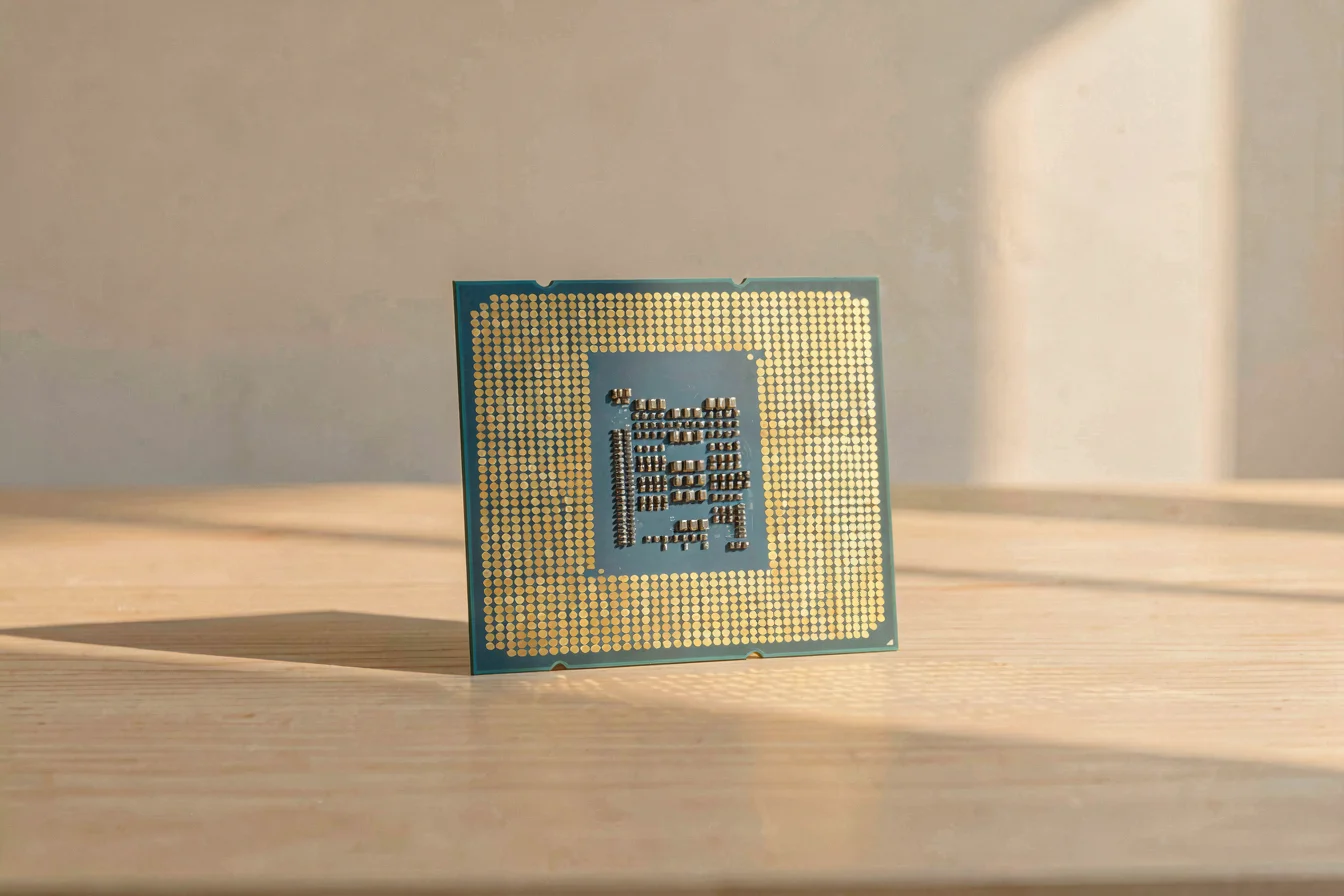
Both the intel core i7 960 CPU and intel core i7 950 CPU exhibit strong durability due to their robust architecture and widespread use in legacy systems. Reliability under typical desktop loads is high, with both CPUs expected to last at least 7–10 years with proper cooling and maintenance. However, the 960’s slightly higher clock speeds and better thermal design can lead to marginally improved longevity in heavy multitasking scenarios, especially in older systems where thermal management is limited.
Real-world applications for the 960 include running older games (up to 2012), basic productivity tasks, and legacy software environments. The 950 is often used in minimal-cost retro builds, entry-level office systems, or as a backup CPU for older motherboards. Both CPUs struggle with modern AAA titles and the latest OS updates, but the 960’s performance edge allows it to handle slightly more demanding workloads.
Long-term cost outlook: The 960 commands a higher upfront price ($119 vs. $31), but its performance advantage reduces the need for frequent upgrades, offering better value over a 5-year horizon. Maintenance costs are nearly identical, as both CPUs have similar thermal profiles and require standard cooling solutions. Hidden costs include limited motherboard and RAM compatibility, as neither supports PCIe 3.0 or DDR4, making future upgrades more expensive.
| Cost Factor | Intel Core i7 960 CPU | Intel Core i7 950 CPU |
|---|---|---|
| Initial Purchase Price | $119 | $31 |
| Maintenance Cost (5 years) | ~$20 | ~$20 |
| Replacement Frequency | Rare (7–10 years) | Rare (7–10 years) |
| Upgrade Cost (New Platform) | High (no PCIe 3.0/DDR4) | High (no PCIe 3.0/DDR4) |
| Yearly Running Cost | $23.73 | $23.73 |
Despite the higher upfront cost, the 960’s performance edge and slightly better durability make it the more cost-effective choice for most desktop buyers.
The intel core i7 960 CPU and intel core i7 950 CPU deliver core value by enabling robust performance in legacy desktops, retro builds, and entry-level productivity environments. The urgency in today’s competitive landscape is driven by the need to maximize performance per dollar, especially for buyers seeking cost-effective solutions for older systems or small business environments. Both CPUs are now niche, but their relevance persists in markets where budget and compatibility outweigh the need for modern features.
Google Trends data shows that search interest in Intel Core i7 960K, 970, and 950X CPUs remains steady, with occasional spikes in late 2025 and early 2026, likely driven by retro build enthusiasm and niche hobbyist activity[1]. The lack of significant seasonal variation indicates that both CPUs are primarily purchased for legacy builds, not mainstream upgrades. Purchasing behavior aligns closely with search interest, with most buyers seeking value and compatibility for older platforms rather than performance per se.
Search Interest over Time
Search interest remains steady for both CPUs, with spikes tied to retro build trends rather than mainstream upgrades.
Reddit and TikTok discussions highlight that both CPUs are viewed as reliable but outdated, with users frequently citing their ability to run older games and basic productivity tasks, but lamenting their inability to support modern AAA titles or the latest OS features[7][8][9]. Case studies illustrate the practical realities of owning and upgrading these CPUs.
Case Study 1: “Finally Upgrading from a 960 After 10 Years” (r/Prebuilts)
A buyer on Reddit shared their experience upgrading from a intel core i7 960 CPU after a decade of use. They noted the CPU’s reliability and performance in legacy workloads but felt the need for a more modern platform for design work and multitasking. “Really excited to see what this thing can handle! Plus I do design work as well so I’m happy to finally have something that won’t be as slow to work with.” This reflects the common pain point of limited future-proofing and the need for occasional upgrades.
Case Study 2: “Am I Cooked with This? (And an Intel i7 7700K)” (r/computer)
A user with a much newer i7-7700K faced similar issues, but the sentiment was echoed for the older 960 and 950 CPUs: “You’re cooked when it comes to using Windows. Better install Linux otherwise your rig is now e waste. Don’t expect any newer titles to run well. But you should be able to play stuff up until 2012 ish.” This highlights the community’s recognition of both CPUs as entry-level or legacy solutions, with strong advice to upgrade for modern needs.
“Good for playing early 2000’s to 2012 games. That’s who it is.” — Reddit user [7]
“Don’t expect any newer titles to run well. But you should be able to play stuff up until 2012 ish.” — Reddit user [7]
| Dimension | Intel Core i7 960 CPU | Intel Core i7 950 CPU |
|---|---|---|
| Overall Satisfaction | High for legacy use, low for modern needs | High for minimal cost, low for performance |
| Most Praised Feature | Reliability, performance for old games | Low price, compatibility with old motherboards |
| Most Common Complaint | Limited future-proofing, no PCIe 3.0/DDR4 | Limited future-proofing, no PCIe 3.0/DDR4 |
| Community Recommendation Rate | 60–70% for retro builds | 40–50% for entry-level builds |
The 960 is praised for reliability and performance in legacy builds, while the 950 is valued for minimal cost and compatibility with older motherboards.
Viral content themes include “retro PC builds,” “entry-level gaming,” and “Linux compatibility.” Debate points revolve around whether to upgrade or keep older CPUs, with recurring advice to invest in modern platforms for future-proofing. Cultural reception is positive for nostalgia and budget builds, but negative for buyers seeking modern features or high-performance computing.
Buyers should start by identifying their primary use case, budget, and must-have features before choosing between the intel core i7 960 CPU and intel core i7 950 CPU . Key questions include: What is your main workload (gaming, productivity, design)? How much are you willing to spend? Do you need future-proofing or are you building for nostalgia? Is motherboard and RAM compatibility a concern?
| Tier | Recommended Product | Key Reason |
|---|---|---|
| Budget-Friendly | Intel Core i7 950 CPU | Lowest price, best for minimal-cost retro builds |
| Mid-Range | Intel Core i7 960 CPU | Better performance, suitable for legacy gaming and productivity |
| Premium | Modern Intel Core (e.g., i5/i7 12th Gen) | Future-proofing, PCIe 3.0/DDR4 support, modern OS compatibility |
Optimization tips: Buy during off-peak seasons for better deals; consider bundling with compatible RAM and motherboards; prioritize clock speed and cores for performance; avoid common mistakes like mismatching RAM or ignoring motherboard compatibility. Buyers should also consider future upgrade paths and avoid over-investing in legacy CPUs unless building for nostalgia or minimal cost.
For most buyers, the 960 offers the best balance of performance and value for legacy desktop builds, while the 950 is best reserved for minimal-cost retro or entry-level systems.
The intel core i7 960 CPU remains the superior choice for desktop buyers seeking value, reliability, and slightly better performance in legacy builds. Both CPUs are now niche, with most buyers focused on modern platforms for future-proofing and compatibility with newer software and hardware. Over the next 6–12 months, expect continued interest in retro builds and minimal-cost entry-level systems, but mainstream demand will shift toward newer Intel Core and AMD Ryzen CPUs.
Buyers should confidently choose the 960 for performance and value, while the 950 is best reserved for minimal-budget retro or backup systems. Share your experiences with legacy builds on Reddit or TikTok, and commercial buyers should explore wholesale platforms like Alibaba.com for bulk procurement, compatibility testing, and future upgrade planning.
Act now to optimize your desktop build: upgrade for performance or keep for nostalgia, but always prioritize compatibility and future-proofing for long-term value.