
All categories
Featured selections
Trade Assurance
Buyer Central
Help Center
Get the app
Become a supplier
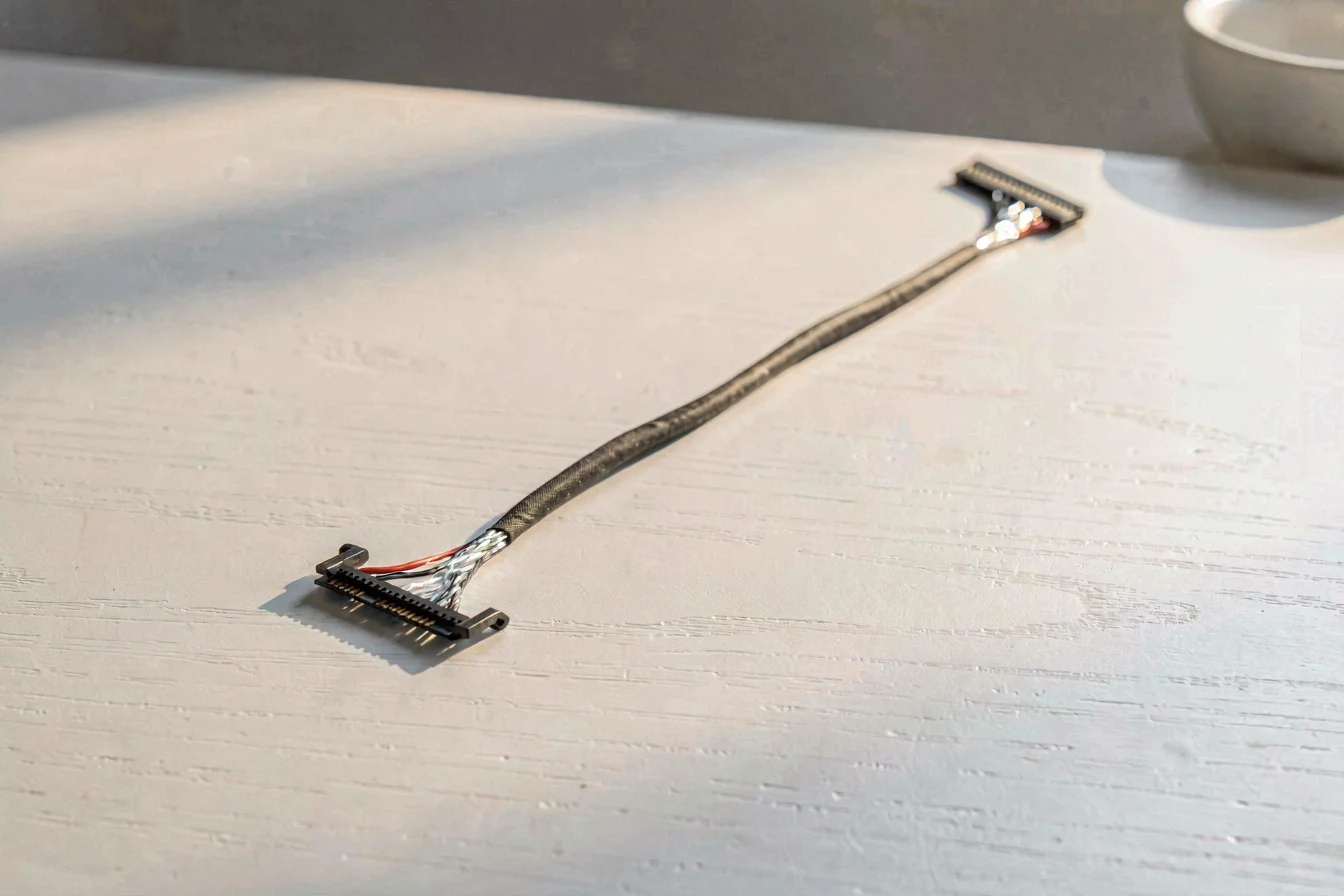
The laptop screen cable connector with 30-pin is best for Dell and older laptops, offering high compatibility and stable sourcing, while the laptop screen cable connector with 40-pin suits HP and newer models with advanced touch features, demanding precise compatibility checks. Procurement logic dictates matching pin count to motherboard and screen model, as mismatches cause failed repairs and costly returns. Recent Google Trends show both pin types are in high demand, with near-equal momentum[1].
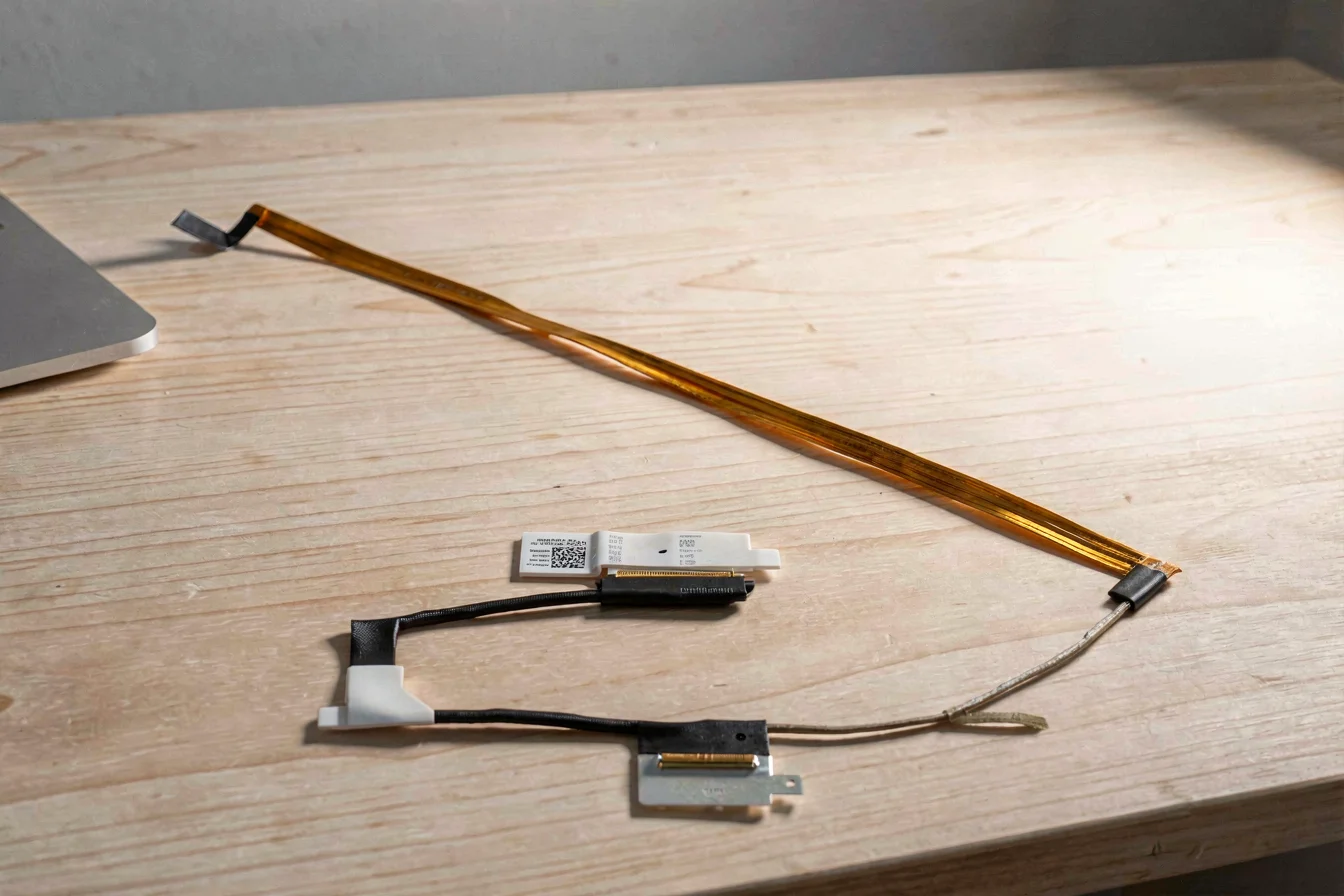
The laptop screen cable connector with 30-pin is widely adopted by Dell and other legacy laptop brands, providing reliable compatibility with older models and easier sourcing from global suppliers[1]. Its primary audience includes IT departments, repair shops, and consumers handling Dell laptops, where its proven performance and broad availability reduce downtime and repair costs. The laptop screen cable connector with 40-pin is favored by HP and newer laptops, especially those with touch displays and advanced features, offering broader functionality but requiring careful matching to motherboard and screen part numbers[2]. The urgency in procurement stems from rapid model transitions and rising demand for touch-enabled devices, which increases the risk of compatibility errors and delays.
Technological innovations in the 40-pin connector include support for touch and higher-resolution displays, while the 30-pin connector remains stable for standard screens and legacy systems. Traditional challenges for both include sourcing errors, adapter mismatches, and confusion over OEM vs. generic cables. Buyers must weigh compatibility, performance, and sourcing ease against the risk of failed repairs and returns.
| Feature | Laptop Screen Cable Connector with 30-pin | Laptop Screen Cable Connector with 40-pin |
|---|---|---|
| Compatibility | Dell, legacy laptops | HP, newer laptops, touch displays |
| Sourcing Ease | High, broad availability | Moderate, model-specific |
| Performance | Standard screens, stable | Touch, high-resolution, advanced |
| Risk of Mismatch | Low (OEM preferred) | High (adapter risks) |
| Procurement Urgency | Stable demand | Rising, model transitions |
Buyers must match pin count to motherboard and screen model, as mismatches cause failed repairs and costly returns[1][2].
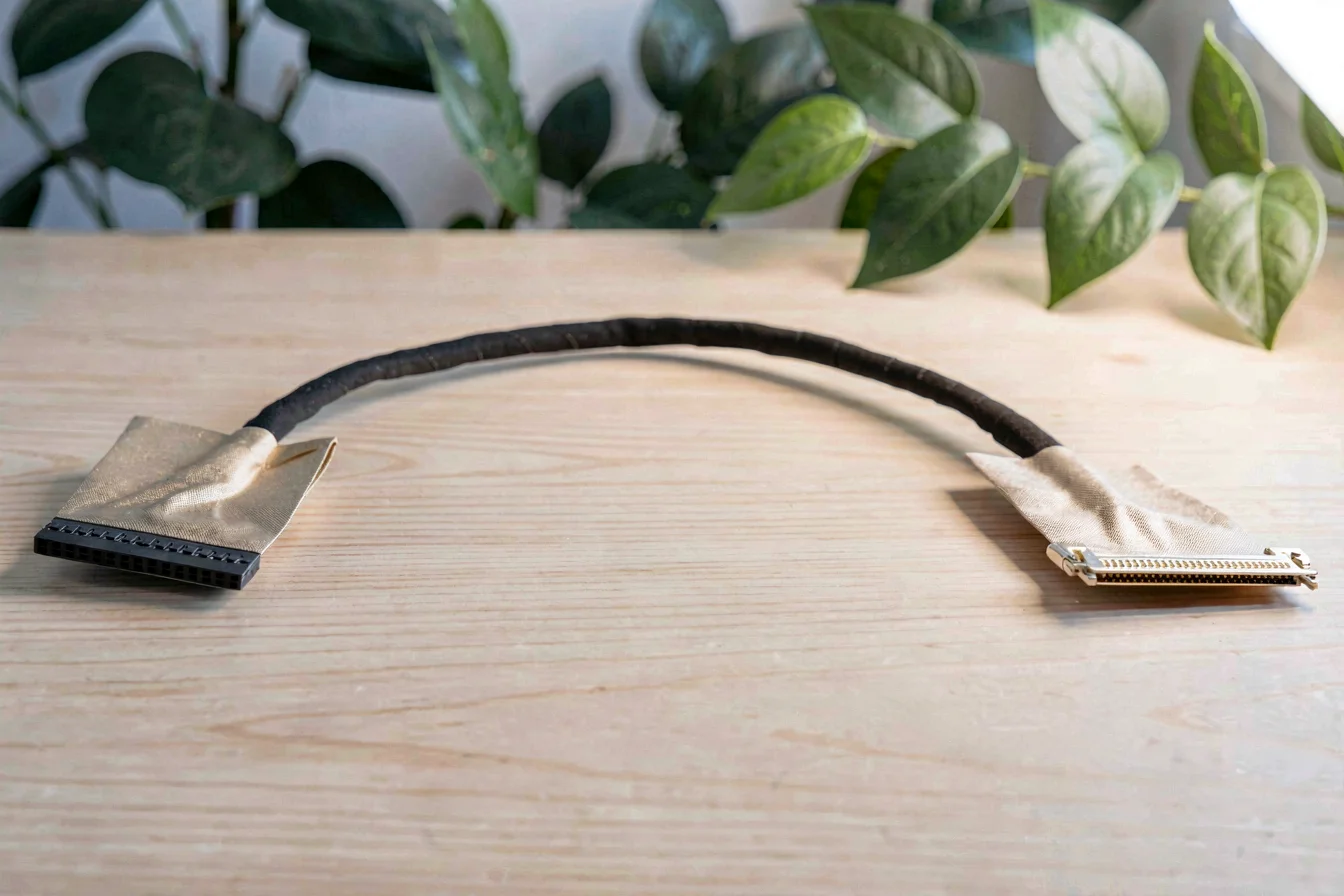
Durability is a critical factor in the procurement of laptop screen cable connector with 30-pin and laptop screen cable connector with 40-pin cables. The 30-pin connector, used in Dell and legacy laptops, typically offers longer lifespan and stable performance due to simpler design and proven reliability[1]. The 40-pin connector, employed in HP and newer touch-enabled laptops, provides advanced features but faces higher risk of failure due to increased complexity and frequent motherboard upgrades[2]. Real-world applications for the 30-pin connector include IT support, repair shops, and consumer replacements where legacy compatibility is essential. The 40-pin connector is preferred for touch displays, high-resolution screens, and modern laptops where advanced functionality is required.
Long-term cost evaluation must account for initial purchase price, maintenance, replacement frequency, and hidden costs. The 30-pin connector is generally lower in price and easier to source, reducing maintenance and replacement costs. The 40-pin connector often requires precise part matching, increasing procurement costs and the risk of failed repairs.
| Cost Factor | Laptop Screen Cable Connector with 30-pin | Laptop Screen Cable Connector with 40-pin |
|---|---|---|
| Initial Purchase Price | Lower (Dell, legacy) | Higher (HP, touch) |
| Maintenance | Minimal, stable | Higher, model-specific |
| Replacement Frequency | Low (legacy models) | Moderate (touch upgrades) |
| Hidden Costs | Low (OEM preferred) | High (adapter risks) |
| Total 5-Year Cost | Lower, stable | Higher, variable |
Durability and cost efficiency favor the 30-pin connector for legacy models, while the 40-pin connector delivers advanced features but higher long-term costs for modern touch-enabled laptops[1][2].
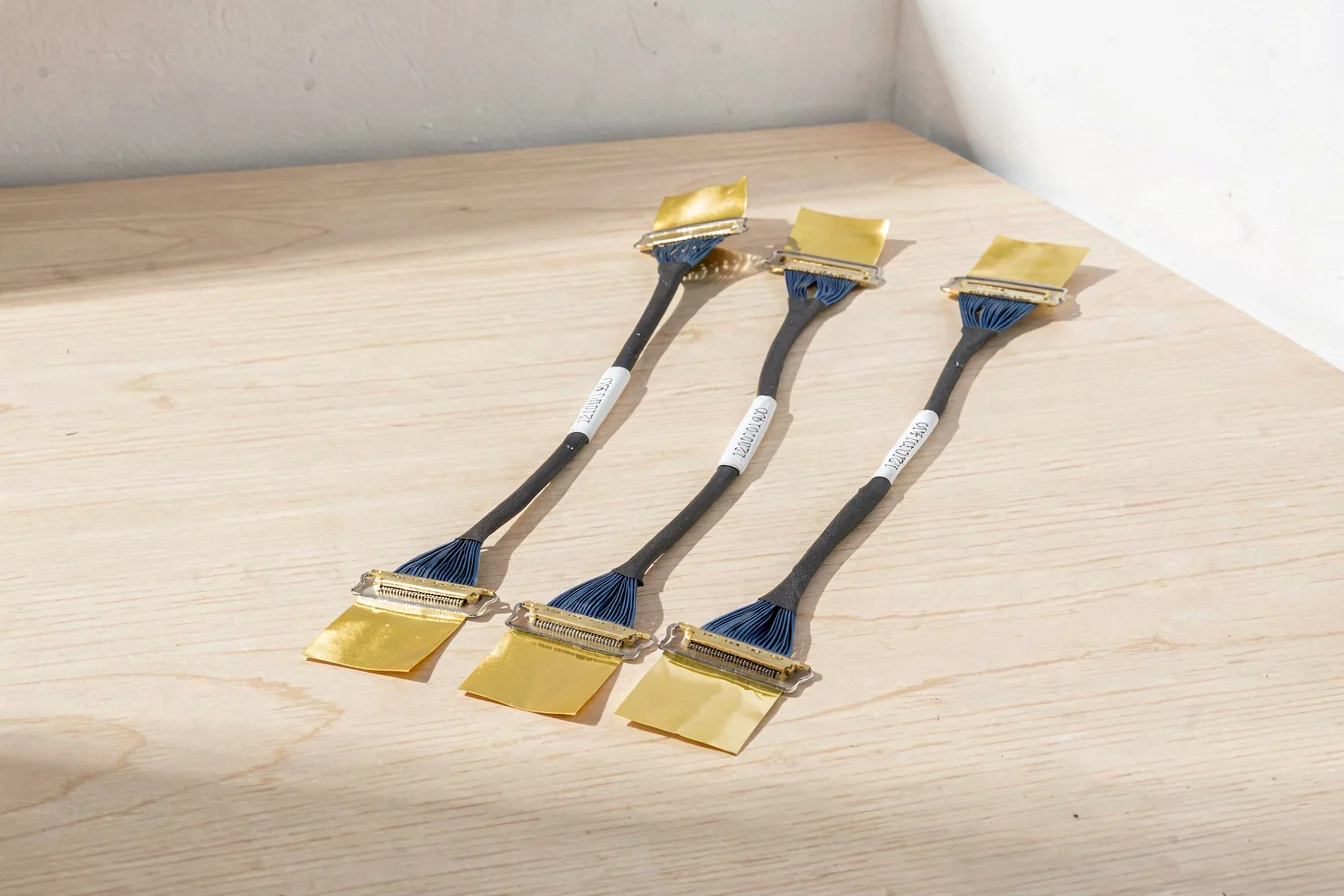
The core value delivered by laptop screen cable connector with 30-pin and laptop screen cable connector with 40-pin cables is reliable screen connectivity and repairability in a rapidly evolving laptop market. Urgency is heightened by frequent model transitions, increased demand for touch displays, and the need for quick repairs in IT and consumer sectors.
Market trend data shows rising demand for both pin types, with Google Trends indicating near-equal search interest for 30-pin (Dell) and 40-pin (HP) connectors in late 2025–early 2026[1]. Urbanization and multi-generational living drive demand for reliable repair solutions, while e-commerce expansion increases sourcing complexity.
Google Trends data reveals search interest for both 30-pin and 40-pin connectors is high and nearly equal, with values ranging from 73–91 for 30-pin (Dell) and 71–91 for 40-pin (HP) in late 2025–early 2026[1]. Peaks are observed in August and September 2025, indicating increased procurement activity during back-to-school and business upgrade cycles. Actionable recommendation: Buyers should prioritize sourcing based on specific motherboard and screen model, as search interest does not always translate to actual purchasing behavior.
Search Interest over Time
Search interest for both pin types is high and nearly equal, but actual purchasing behavior depends on specific motherboard and screen model compatibility[1].
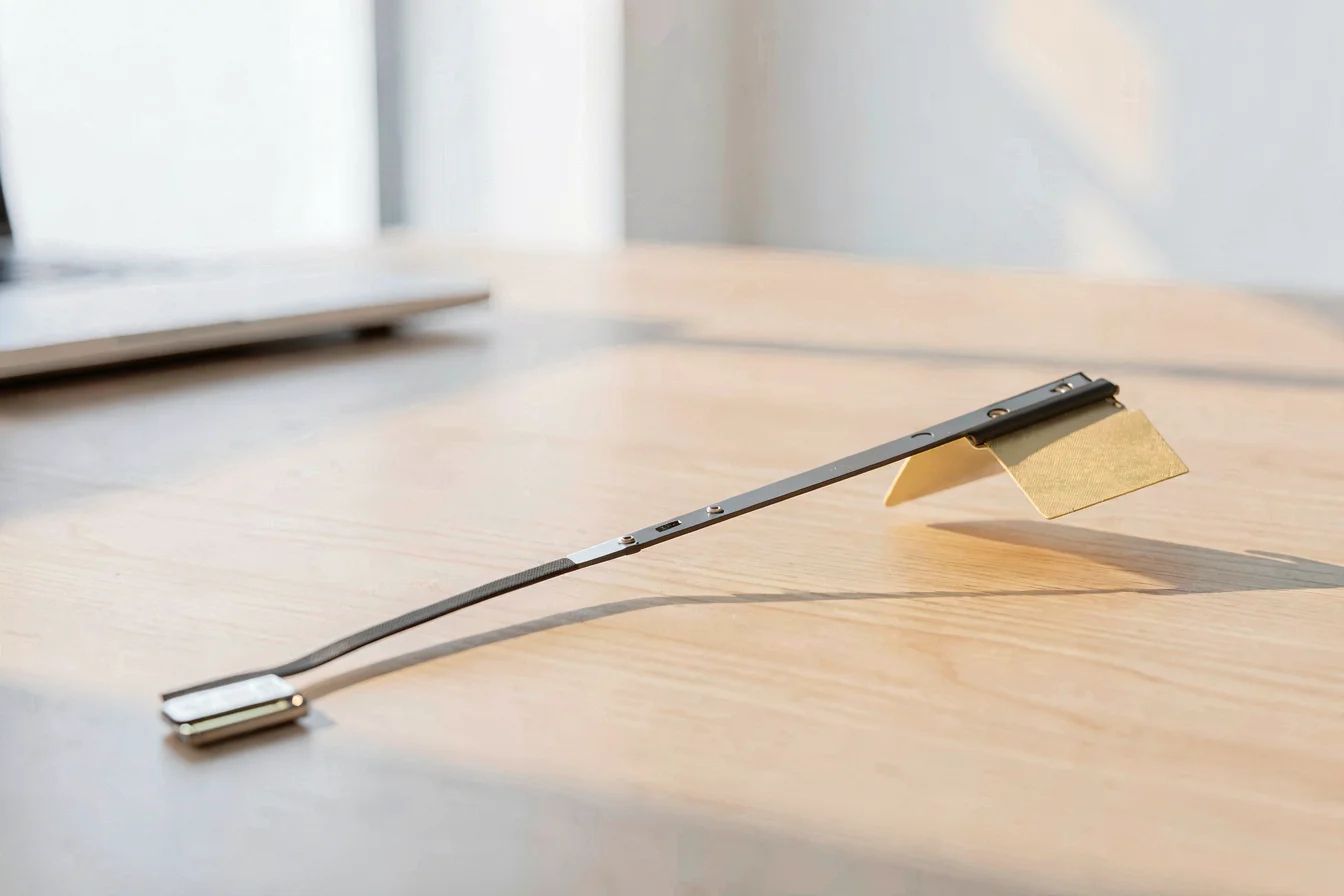
Reddit and TikTok discussions reveal common pain points, use cases, and sentiment around laptop screen cable connector with 30-pin and laptop screen cable connector with 40-pin cables. Case studies show frequent confusion over adapter mismatches and the need for exact part numbers[2][3]. Buyers often struggle to source the correct pin count and encounter frustration when generic adapters fail. Community recommendations emphasize the importance of OEM cables and caution against adapters for critical repairs.
Case Study 1: A Dell laptop owner on Reddit asks if a non-touch screen can be used on a touch motherboard, highlighting the need for matching pin count and motherboard compatibility. The community advises against adapters and recommends sourcing a new cable for reliability[2].
Case Study 2: A user attempting to convert an old laptop screen into a monitor on Reddit faces difficulties finding the right cable. The community suggests sourcing an LCD controller and exact part number, emphasizing the importance of compatibility[3].
"Motherboard side is all the same, just the cable end differs. Don't use an adapter, get a new cable." [2]
"Get the number from the back of the panel. Usually starts with an L. Put that number into AliExpress or eBay followed by the word driver or controller." [3]
| Dimension | Laptop Screen Cable Connector with 30-pin | Laptop Screen Cable Connector with 40-pin |
|---|---|---|
| Overall Satisfaction | High (legacy reliability) | Moderate (advanced features) |
| Most Praised Feature | Compatibility, stable sourcing | Touch, high-resolution support |
| Most Common Complaint | Sourcing errors, adapter mismatches | Compatibility, frequent upgrades |
| Community Recommendation Rate | High (OEM preferred) | Moderate (exact part number needed) |
Viral content themes include frustration over adapter mismatches, preference for OEM cables, and recurring debates on compatibility and sourcing. Cultural reception leans toward caution for adapters and strong preference for exact part numbers in critical repairs[2][3].
Community sentiment favors OEM cables for reliability and compatibility, with frequent warnings against adapters for critical repairs[2][3].
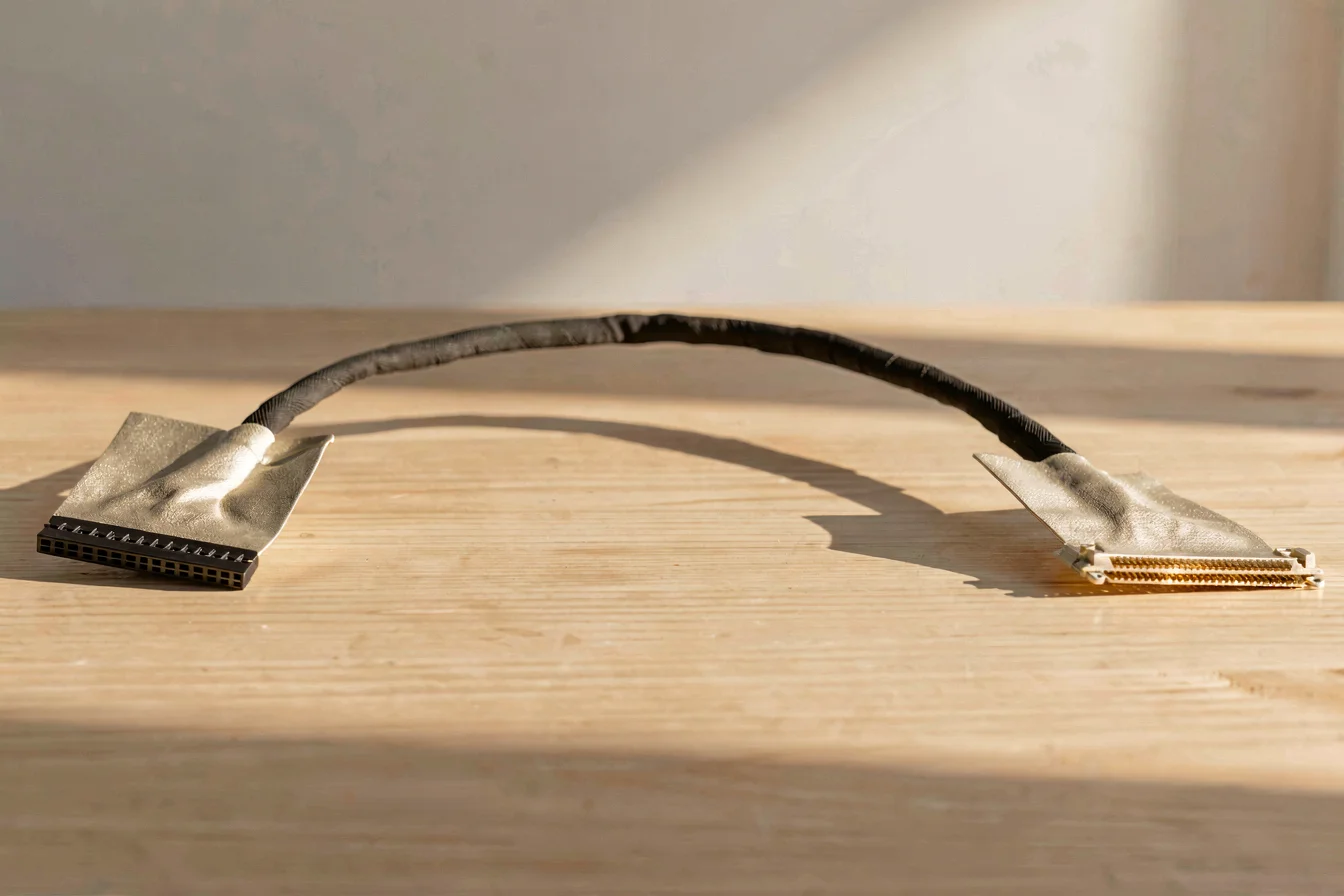
Buyers should identify their core needs before purchasing laptop screen cable connector with 30-pin or laptop screen cable connector with 40-pin cables. Key questions include: What is the primary use case? Is the laptop model Dell or HP? Is touch display support required? What is the budget range? Are must-have features more important than nice-to-have ones? Buyers must match pin count to motherboard and screen model, as mismatch leads to failed repairs and costly returns.
Tiered recommendations:
| Tier | Recommended Product | Key Reason |
|---|---|---|
| Budget-Friendly | Laptop Screen Cable Connector with 30-pin | Legacy compatibility, stable sourcing |
| Mid-Range | Laptop Screen Cable Connector with 40-pin | Touch display support, modern features |
| Premium | Laptop Screen Cable Connector with 40-pin (OEM) | Exact part number, advanced reliability |
Optimization tips:
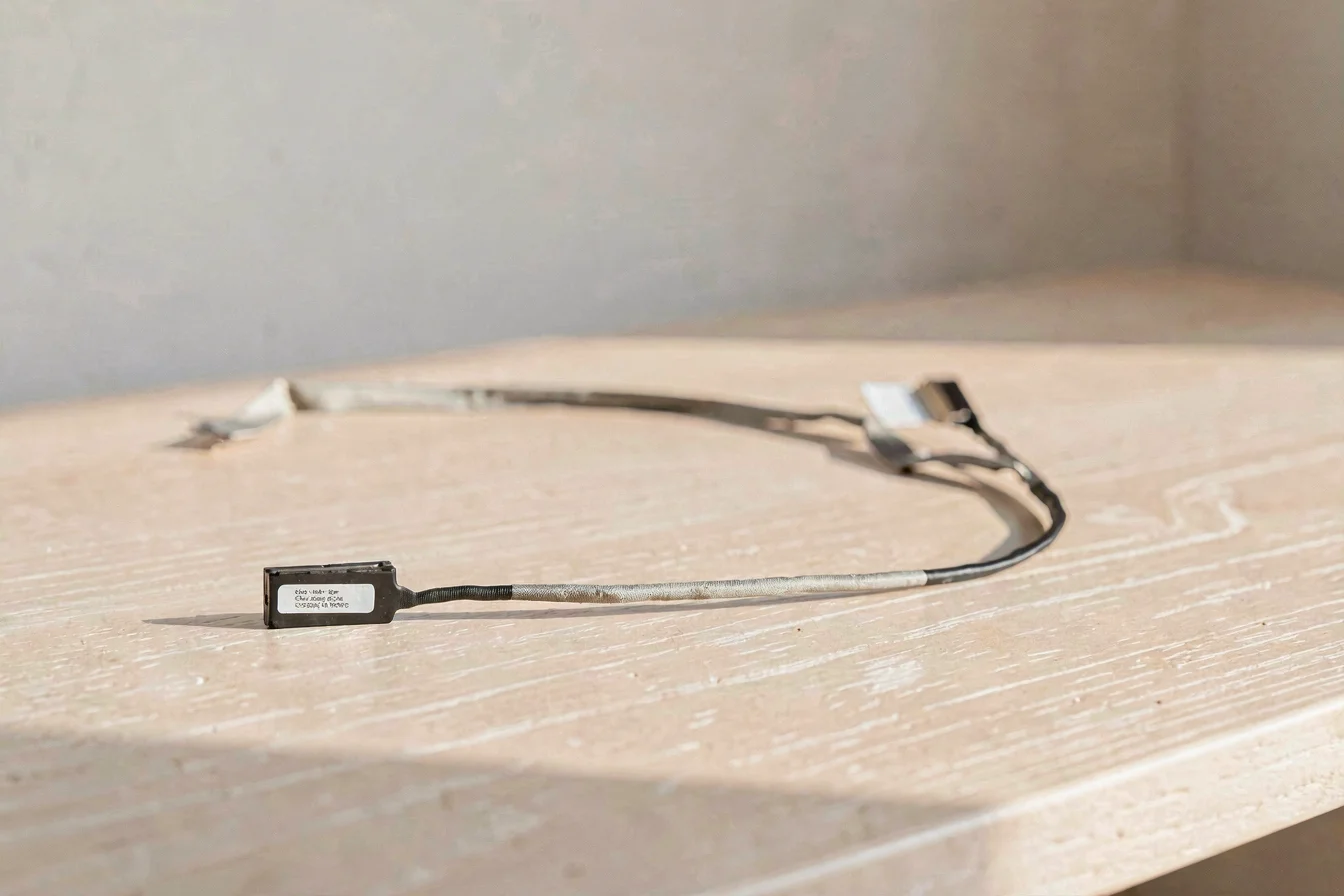
Key insights from all modules: laptop screen cable connector with 30-pin delivers legacy compatibility and stable sourcing for Dell and older models, while laptop screen cable connector with 40-pin supports advanced touch displays and high-resolution screens for HP and newer models. Both pin types are in high demand, with Google Trends showing near-equal momentum in late 2025–early 2026[1]. Community sentiment favors OEM cables for reliability and compatibility, with frequent warnings against adapters for critical repairs[2][3]. Buyers must match pin count to motherboard and screen model, as mismatch leads to failed repairs and costly returns.
Future trend recommendation: Expect continued demand for both pin types, with rising procurement activity for touch-enabled laptops and advanced features. Buyers should prioritize OEM cables for critical repairs, bundle purchases for IT support, and monitor model transitions to ensure compatibility. Emotional call-to-action: Share your repair experiences and tips with the community to help others avoid common pitfalls. Commercial buyers should leverage wholesale platforms like Alibaba.com to source cables with exact part numbers and advanced reliability.
Confident buyers should match pin count to motherboard and screen model, prioritize OEM cables for critical repairs, and leverage wholesale platforms for bulk sourcing[1][2][3].