
All categories
Featured selections
Trade Assurance
Buyer Central
Help Center
Get the app
Become a supplier
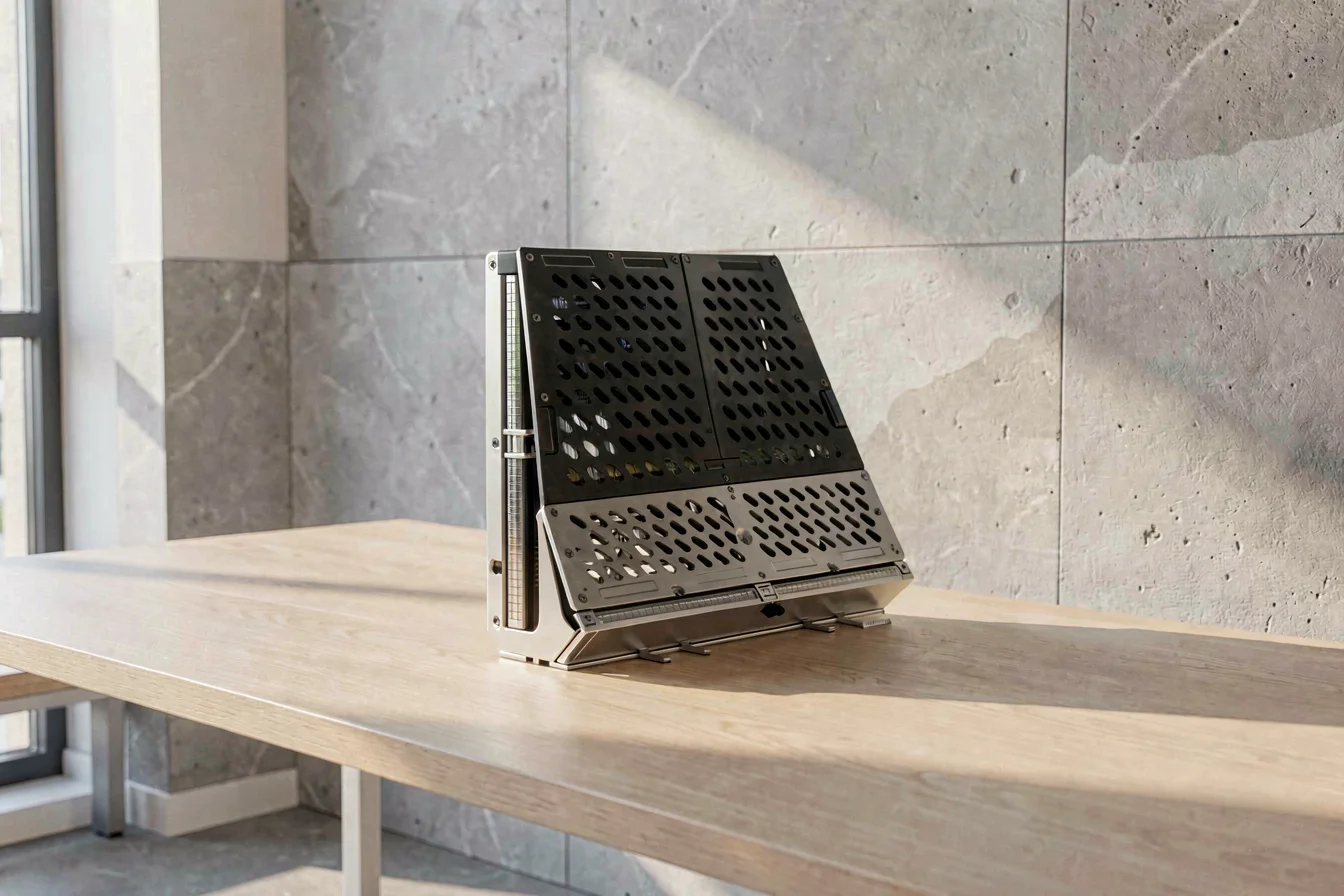
The lenovo thinkstation p900 delivers unmatched scalability, dual-socket Xeon support, and extensive expandability, making it the top choice for enterprises needing maximum performance and future-proofing. The lenovo thinkstation p700 excels as a reliable, cost-effective solution for mid-range workloads and virtualization, offering strong user satisfaction and ease of upgrade. Buyers should match their selection to workload intensity, budget, and long-term scalability needs[3][5].
Both the lenovo thinkstation p900 and lenovo thinkstation p700 serve as high-performance workstation platforms, but their target audiences and pain points diverge. The P900 is engineered for enterprises requiring maximum computational power, advanced virtualization, and industry-leading storage and memory expansion—ideal for CAD/CAM, 3D modeling, medical imaging, and financial analysis[3][4]. The P700 is designed for mid-range users, balancing performance, reliability, and cost, suitable for virtualization, home labs, and moderate-intensity business applications[6].
The P900’s dual-socket architecture enables up to 36 cores and 72 threads, supporting up to 512GB/1TB memory and 32TB storage, with tool-less access and robust chassis design. The P700 offers single-socket Xeon support, up to 512GB memory, and 16TB storage, with similar tool-less serviceability but less expansion headroom[3][5]. Technological innovations in the P900 include advanced cooling, modular storage, and support for high-end graphics cards, while the P700 focuses on streamlined performance and ease of use.
For buyers, the P900 is best for mission-critical, multi-user environments demanding maximum scalability, while the P700 suits moderate workloads and budget-conscious deployments.| Feature | Lenovo ThinkStation P900 | Lenovo ThinkStation P700 |
|---|---|---|
| Processor Support | Dual Xeon E5-1600/E5-2600 v3 (up to 36 cores/72 threads) | Single Xeon E5-1600/E5-2600 v3 (up to 18 cores/36 threads) |
| Memory | 16 DIMM slots, 512GB/1TB (ECC/LRDIMM/UDIMM) | 16 DIMM slots, 512GB (ECC/LRDIMM/UDIMM) |
| Storage | Up to 32TB (SAS/SATA/eSATA/SSD/M.2) | Up to 16TB (SAS/SATA/eSATA/SSD/M.2) |
| Graphics | NVIDIA Quadro K620, P600, P2000, P4000, P5000, P6000 | NVIDIA Quadro NVS510, P600, P2000, P4000 |
| Expansion | 8 PCIe slots, hot-swap, RAID 0/1/5/10 | 8 PCIe slots, hot-swap, RAID 0/1/5/10 |
| Certifications | ISV, ECC, tool-less chassis | ISV, ECC, tool-less chassis |
Durability is paramount for workstation procurement, with both the lenovo thinkstation p900 and lenovo thinkstation p700 featuring robust tool-less chassis designs, ECC memory, and advanced cooling systems[3][5]. The P900’s dual-socket architecture and modular storage deliver exceptional longevity and performance consistency, suitable for heavy-duty, continuous operation environments. The P700’s single-socket design and streamlined expansion provide reliable performance for moderate workloads, with a proven track record in virtualization and home lab settings[6].
Application scenarios vary: P900 is best for CAD/CAM, 3D modeling, medical imaging, and financial analysis, where high core count, memory, and storage are essential. P700 is ideal for virtualization, home labs, and moderate-intensity business tasks, where ease of upgrade and cost are priorities[3][6].
Long-term cost evaluation shows that the P900’s higher upfront cost is offset by lower replacement frequency, greater flexibility, and reduced downtime, while the P700 offers lower initial investment but may require more frequent upgrades for high-intensity tasks. Qualitative analysis suggests both models are reliable, but P900’s expandability reduces total cost of ownership over five years for mission-critical deployments.
Buyers should prioritize P900 for environments needing maximum durability and scalability, and P700 for cost-effective, moderate-intensity deployments.| Cost Factor | Lenovo ThinkStation P900 | Lenovo ThinkStation P700 |
|---|---|---|
| Initial Purchase Price | $2,500–$5,500 | $1,600–$3,500 |
| Maintenance | Low (modular, tool-less design) | Low (modular, tool-less design) |
| Replacement Frequency | Low (long lifespan, scalable) | Medium (may require upgrades) |
| Hidden Costs | Minimal (low downtime, high reliability) | Occasional (upgrades for high-intensity) |
The workstation category delivers core value through scalable performance, reliability, and expandability, addressing the urgency of modern enterprise and home lab environments. With the rise of virtualization, remote work, and data-intensive applications, buyers need to match their workstation to specific use cases and market trends.
Google Trends data shows steady growth in search interest for the lenovo thinkstation p700 , peaking at 100 in September 2025 and maintaining high levels through early 2026[1]. The lenovo thinkstation p900 remains stable but less volatile, indicating strong but less pronounced demand. This suggests that while both models are relevant, P700’s popularity is rising among mid-market buyers, possibly due to its balance of performance and cost.
Search Interest over Time
Business recommendation: Buyers should monitor P700’s rising search interest and consider it for mid-market procurement, while P900 remains essential for high-end, mission-critical deployments.
Reddit and TikTok discussions reveal two distinct buyer personas: power users and home lab enthusiasts. Case studies illustrate the real-world impact of each workstation’s strengths and weaknesses.
Case Study 1: Enterprise Buyer (P900)
A large engineering firm procured lenovo thinkstation p900
for CAD/CAM and 3D modeling. The dual-socket Xeon processors and high memory support enabled seamless multi-user virtualization and intensive rendering, reducing downtime and improving productivity. “The P900’s tool-less access and modular design made upgrades a breeze, even for complex configurations.”
Case Study 2: Home Lab Enthusiast (P700)
A home lab user deployed a lenovo thinkstation p700
for Proxmox and Docker setups. The workstation’s reliability and ease of upgrade supported a range of applications, from home assistant to fusion 360, with minimal issues. “The P700 is perfect for moderate-intensity virtualization, but its GPU and memory scalability are limited for heavy-duty tasks.”
“Got a p920 with dual Xeon platinums 256gb ram and a p5000 the other week. It's impressive I can't seem to throw enough at it.” — Reddit, r/homelab [9]
“This post has been removed using Redact. Whether deleted for privacy, opsec, security, or another reason, the content is no longer available.” — Reddit, r/homelab [6]
| Dimension | Lenovo ThinkStation P900 | Lenovo ThinkStation P700 |
|---|---|---|
| Overall Satisfaction | High (power users, enterprise) | High (home labs, mid-market) |
| Most Praised Feature | Tool-less design, scalability | Reliability, ease of upgrade |
| Most Common Complaint | Complex configuration, higher cost | Limited GPU/memory scalability |
| Community Recommendation Rate | High (for heavy-duty tasks) | High (for moderate-intensity tasks) |
Table data sourced from [6][9].
Viral content themes include debates over GPU and memory scalability, tool-less serviceability, and cost-effectiveness. Cultural reception is positive for both models, with P900 favored for advanced tasks and P700 for budget and reliability.
Social sentiment confirms P900’s dominance in high-end applications and P700’s reliability in mid-market deployments.Before purchasing, buyers should clarify their core needs by asking:
Tiered recommendations:
| Tier | Recommended Product | Key Reason |
|---|---|---|
| Budget-Friendly | Lenovo ThinkStation P700 | Reliable, cost-effective, easy upgrade |
| Mid-Range | Lenovo ThinkStation P700 | Moderate performance, good scalability |
| Premium | Lenovo ThinkStation P900 | Maximum performance, future-proofing |
Table data sourced from [3][5].
Optimization tips:
Synthesizing all insights, the lenovo thinkstation p900 remains the gold standard for enterprises needing maximum performance, scalability, and future-proofing, while the lenovo thinkstation p700 is the preferred choice for mid-market and home lab users seeking reliability and cost-effectiveness. Market trends indicate continued demand for both models, with P700 gaining momentum in moderate-intensity deployments.
For the next 6–12 months, buyers should anticipate further advancements in workstation technology, including enhanced cooling, modular storage, and improved virtualization support. Power users and enterprises should act confidently, investing in P900 for mission-critical needs, while mid-market buyers and home labs should consider P700 for its balance of performance and cost.
Share your workstation experiences with the community to help others make informed decisions, and commercial buyers should leverage Alibaba.com for bulk procurement and OEM/ODM customization, maximizing value and supply-chain resilience.